🔥 Best AI Text Formatter ⭐ 4.9/5
Remove **bold**, #headers, emojis 👉 & HTML from ChatGPT. 750-word limit
📥 Paste AI Content
⚙️ Cleaning Options
✨ Clean Output
ReadyWhat is an AI Text Formatter?
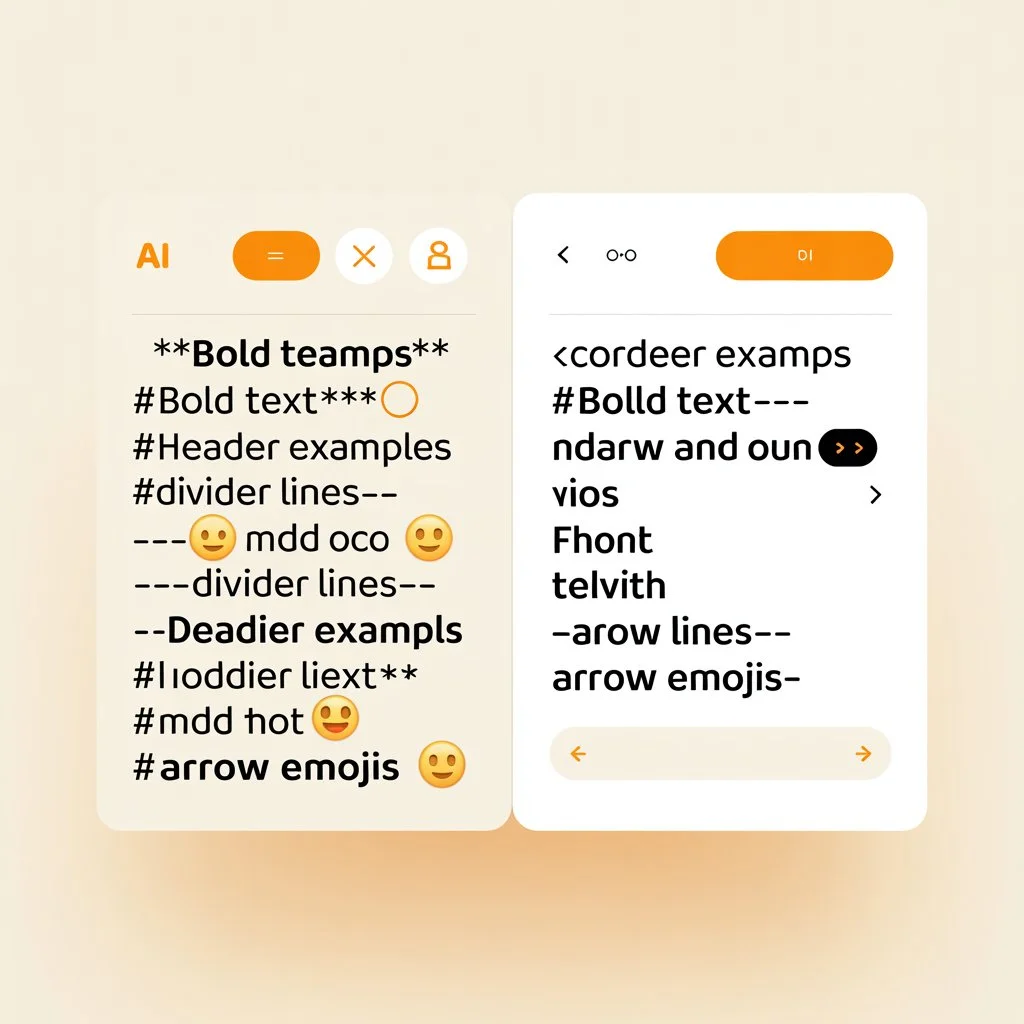
An AI text formatter is a specialized tool that removes unwanted formatting from content generated by artificial intelligence tools like ChatGPT, Claude, and Google Gemini. When you copy text from these AI platforms, they often include markdown syntax like **bold text**, *italicized phrases*, and various headers marked with hash symbols (#). While this formatting is useful within the AI interface, it becomes problematic when you want to paste the content into a WordPress editor, email client, or document processor.
Why Remove ChatGPT Formatting?
Content creators, bloggers, and digital marketers frequently encounter formatting issues when working with AI-generated content. Here are the top reasons to clean your AI text:
- WordPress Compatibility – Markdown headers (# Title) don’t convert properly to Gutenberg blocks
- Email Newsletters – HTML tags and markdown break email templates
- Social Media Posts – Emojis and bold formatting may not render correctly on all platforms
- PDF Exports – Hidden formatting characters cause layout issues
- SEO Optimization – Clean text helps search engines understand your content better
How Our AI Text Formatter Works
Our free tool uses smart pattern recognition to identify and remove over 15 types of formatting clutter. Simply paste your ChatGPT output into the left panel, click “Clean Now”, and instantly receive purified text ready for any platform. The tool works entirely in your browser – no data is uploaded to any server, ensuring complete privacy.
Key Features of This Tool
- ✅ Remove **bold** and *italic* markdown syntax
- ✅ Strip #headers, ##subheaders, and markdown titles
- ✅ Delete HTML tags like <strong>, <em>, <div>
- ✅ Clean emojis, special characters, and symbols
- ✅ Normalize em dashes (—) and en dashes (–) to standard hyphens
- ✅ Simplify bullet lists and numbered lists
- ✅ Remove markdown links [text](url) while keeping the anchor text
- ✅ Fix multiple spaces and excessive line breaks
- ✅ 750-word limit with automatic chunking for longer content
Frequently Asked Questions
Is this tool really free?
Yes! Our AI text formatter is completely free to use. No signup, no credit card, no hidden fees.
Does it work with ChatGPT, Claude, and Gemini?
Absolutely. The tool removes formatting from all major AI content generators including ChatGPT, Claude AI, Google Gemini, Meta AI, and Cohere.
Is my data private?
100% private. All processing happens directly in your web browser. Your text never leaves your computer, and we don’t store anything on our servers.
What is the word limit?
The tool processes up to 750 words per batch. If your content is longer, it automatically splits into multiple chunks, cleans each one, and merges them back together.
Can I use this for WordPress?
Perfect for WordPress! The cleaned output contains no markdown or HTML tags, making it ready to paste directly into the Classic Editor, Gutenberg, or any page builder.
Who Should Use This Tool?
This AI text formatter is ideal for:
- 📝 Bloggers – Clean AI-generated drafts before publishing
- 🎓 Students – Remove formatting from research notes
- 💼 Marketers – Prepare clean copy for campaigns
- 📧 Email Creators – Ensure newsletters render correctly
- 🔍 SEO Specialists – Get clean text for optimization
Start Cleaning Your AI Text Today
Don’t waste time manually removing **bold** markers, #headers, —dividers, and emojis from your ChatGPT content. Use our free AI text formatter to get clean, professional text in seconds. Whether you’re publishing to WordPress, sending emails, or creating documents, our tool ensures your content looks perfect everywhere.
Try it now – paste your AI content above and click “Clean Now” for instant results!
Text generated by ChatGPT, Claude, or Gemini often includes Markdown syntax that needs cleaning.
Ready to publish? Paste your cleaned text into WordPress, Google Docs, or Notion.
Enhance your writing further with Grammarly or Hemingway Editor.